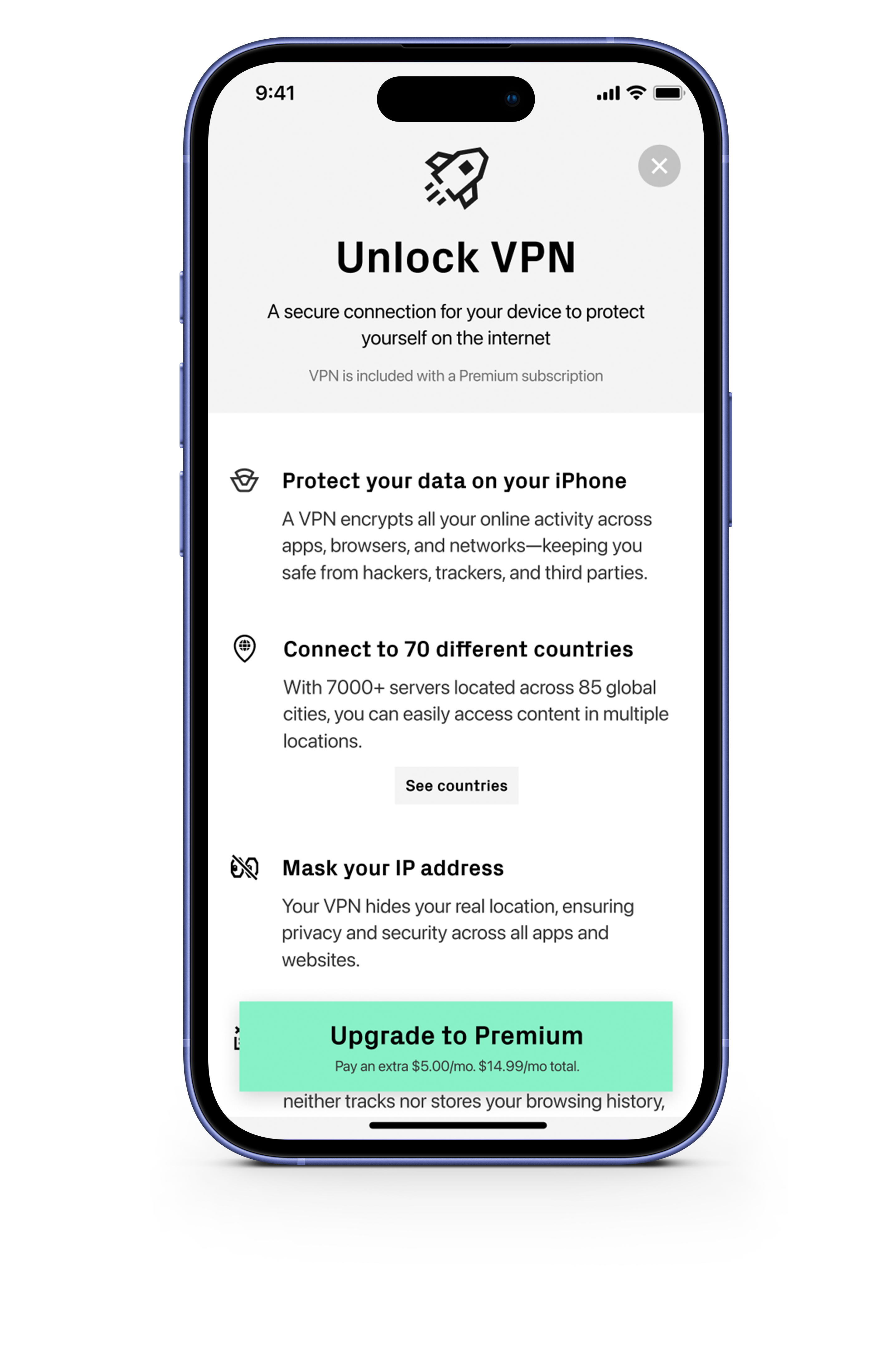









When you connect to public Wi-Fi or want to access content from another corner of the world, a VPN has your back. It encrypts your connection, hides your IP, and keeps your online life out of sight.
No logs. No trails. No snooping. Burner VPN encrypts your traffic and keeps your online life under wraps.
To set up Burner VPN, just tap the power button, follow the on-screen prompts, and install the VPN profile. You’ll be browsing securely in seconds.
Burner VPN is available on iOS, Android, Mac, and Windows.
Using a VPN can slow things down a bit, but Burner VPN uses the fast, lightweight WireGuard protocol to keep speeds high. Plus, the auto-connect feature keeps things efficient by only kicking in when needed.
Burner VPN’s auto-connect keeps you covered. It automatically kicks in on public Wi-Fi and steps back on trusted networks, so you stay secure without lifting a finger.
By default, Burner VPN connects you to the fastest server. For more control, tap "Choose Location" to pick a country or even a specific server if you’re feeling particular.
Having trouble? Try turning the VPN off and back on. If that doesn’t do the trick, check your connection or restart the app. Still stuck? Our support team has your back.
No logs. No trails. No snooping. Burner VPN keeps your activity off the record, every time you connect.