Keep your personal number personal. On your iPhone.
A second line for clients, buyers, side projects, dating apps — all on your iPhone. No second phone required.
No second phone. No extra device. Just your iPhone.eSIM service powered by Gigs.
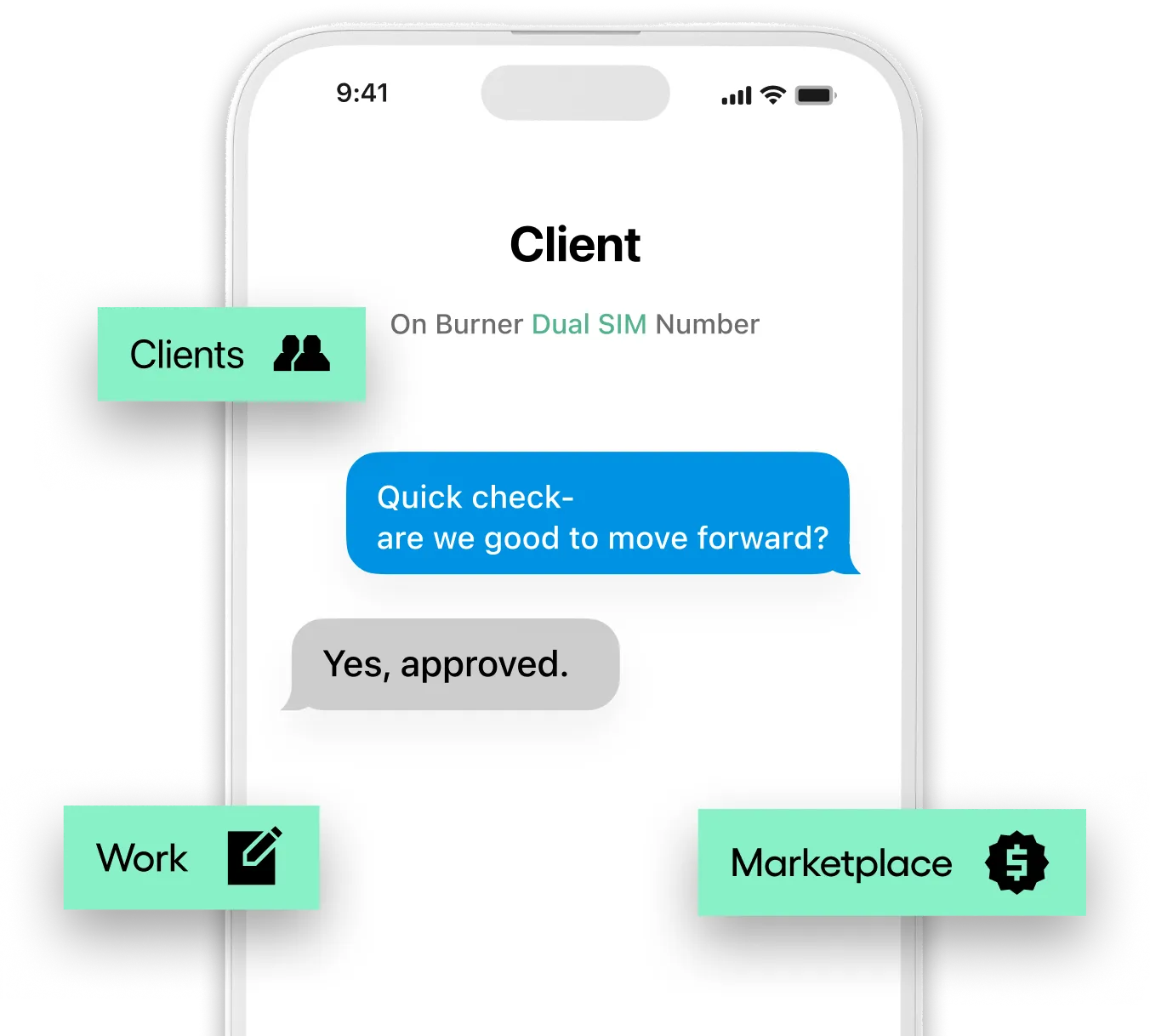
Pick an area code and select your new number. Takes about 30 seconds.
Get the Burner app on your iPhone to manage your new number and activate the eSIM.
Follow the guided setup in iOS Settings. Your new number appears as a second line on your iPhone.
Calls and texts work through your iPhone’s native apps. iMessage, voicemail, everything.


Dual SIM is a new type of second number from Burner. It’s an iPhone number that lives as a second SIM on your phone, right alongside your existing number. Unlike a virtual Burner number, your Dual SIM number works directly inside your iPhone’s native Phone and Messages apps. That means real calls, real text threads, iMessage (blue bubbles), group messages, and RCS, with no separate Burner app required to use your number.It’s the best fit for anyone who wants a more permanent second number for work, a side hustle, dating, or any situation where you want a genuine iPhone number.
Standard Burner numbers are virtual numbers that exist only within the Burner app. Dual SIM numbers are real eSIM-based numbers on AT&T’s network. They show up as a genuine second line on your iPhone, support iMessage and RCS, and are designed to stick around. Think of them as a real phone number you can use alongside your personal one.
Unlimited domestic calls, unlimited domestic texts (including iMessage and RCS), coverage on AT&T’s nationwide network, no contract - cancel any time, no activation fees or credit checks, instant eSIM activation.
Dual SIM is a calls-and-texts-only plan. The following are not included: mobile data, hotspot / tethering, international calling, roaming in Canada, Mexico, or internationally.
Dual SIM runs on AT&T’s nationwide network, delivered via eSIM. Your existing carrier and SIM card are unaffected.
Dual SIM is currently available for iPhone only. Your device must meet all three of the following requirements: Unlocked: not locked to another carrier. eSIM compatible: most iPhones from iPhone XS (2018) onwards support eSIM. AT&T network compatible: we check this automatically during sign-up.
In most cases you can request an unlock directly from your current carrier. Eligibility requirements vary. Common conditions include the device being paid off, a minimum period of active service, and the account being in good standing. Contact your carrier’s support team or visit their website to request an unlock. Once confirmed as unlocked, you’re ready to activate Dual SIM.
In the Burner app or website, select Dual SIM from the number type options. We’ll check whether your iPhone is compatible with Dual SIM. Choose your new number and complete payment. Follow the on-screen eSIM activation steps. In most cases your Dual SIM number is live within minutes.
An eSIM is a digital SIM built into your iPhone. Instead of inserting a physical SIM card, you download your Dual SIM line directly from the Burner website or app. This means faster setup with no need to visit a store or wait for a card in the post. Your existing SIM card stays in your phone and continues working as normal.
After completing payment in the Burner app or website, follow the on-screen prompts to install your eSIM. During installation, iOS will walk you through a few preference screens:Labelling your lines: iOS will ask you to label your SIM plans. We suggest naming your Dual SIM line something clear, like “Work”, so it’s easy to distinguish from your other number. Data line prompt: iOS may ask which line to use for data. Since Dual SIM does not include data, keep your existing SIM selected as the default data line. iMessage setup: iOS will ask which numbers to enable iMessage on. Make sure you select both your personal number and your Burner Dual SIM number, so iMessage works on both lines from the start.
This is a common step that’s easy to miss during setup. To enable iMessage on your Dual SIM number: Open Settings → Apps → Messages → Send & Receive. Check that your Burner Dual SIM number appears in the list and has a blue tick next to it under Receive At. If it’s not ticked, tap it to enable it. iMessage should activate on your Burner number within a few minutes.
Once both SIMs are active, you can choose which line to use for calls and texts directly within the iPhone’s native Phone and Messages apps. When starting a call or a new message thread, tap the line selector to choose your Burner Dual SIM number or your personal number. To set a default line for calls or data, go to Settings → Cellular and select the preferred line under Default Voice Line. Watch a step-by-step guide here.
Activation instructions appear in the Burner website or app as soon as your payment is confirmed. In most cases your new number is live within a few minutes of completing the eSIM installation steps.
If you previously paused your plan, you can reactivate it at any time, as long as the eSIM profile is still on your device. To reactivate: Open the Burner app and tap on Dual SIM. Select Reactivate Plan and follow the on-screen steps.
$14.99 / month for Standard and $19.99 / month for Premium
Dual SIM is a prepaid monthly plan. The cost of the Dual SIM is included in your monthly Burner subscription. No additional payments are necessary.
You can use Apple Pay, a credit card, bank account, or Cash App Pay to pay for your Burner subscription.
To view your billing history in the Burner app: Tap on Dual SIM from your home screen. Select Payments then Payment activity.
Tap on the Dual SIM tile in the Burner app home screen to view your current plan, payment method, and next renewal date
Yes. You can pause your Dual SIM plan at any time if you don’t need the number for a while. You won’t be charged while your plan is paused. To pause: Tap on Dual SIM in the Burner app. Go to Plan settings → Pause plan and follow the on-screen instructions.
You can cancel at any time from within the Burner app. Service remains active through the end of your current billing period. To cancel: Tap on Dual SIM in the Burner app. Go to Plan settings → Cancel plan and follow the on-screen instructions.